
SEO Checklist: 15 Steps to Rank on Google
Search Engine Optimization (SEO) success doesn’t happen by chance – it’s the result of following a clear plan. This checklist breaks down 15 essential steps to improve your website’s search visibility, attract relevant traffic, and boost conversions. From setting up tools like Google Search Console to optimizing content and improving site speed, these steps cover everything you need to know to rank higher on Google.
Key Takeaways
-
Technical Setup:
- Use tools like Google Search Console, XML sitemaps, and robots.txt to ensure proper crawling and indexing.
- AI-driven SEO platforms monitor these elements in real time and flag indexing or crawl issues before they affect rankings.
-
On-Page SEO:
- Prioritize keyword research, optimized titles/meta descriptions, and structured content with clear headers.
- AI tools help identify keyword gaps, analyze user intent, and recommend on-page improvements.
-
Performance & User Experience:
- Ensure your site is mobile-friendly, loads quickly, and uses optimized images.
- AI-enhanced performance audits pinpoint which fixes will have the greatest impact on speed and engagement.
-
Authority Building:
- Strengthen credibility with internal links, authoritative external sources, and schema markup.
- AI-powered link analysis identifies high-value linking opportunities and highlights missing structured data.
-
Continuous Improvement:
- Run regular SEO audits and update content to stay aligned with algorithm changes.
- AI monitoring and automated alerts help you detect ranking shifts, technical issues, and content decay early.
Technical Setup for SEO
Step 1: Set Up Google Search Console
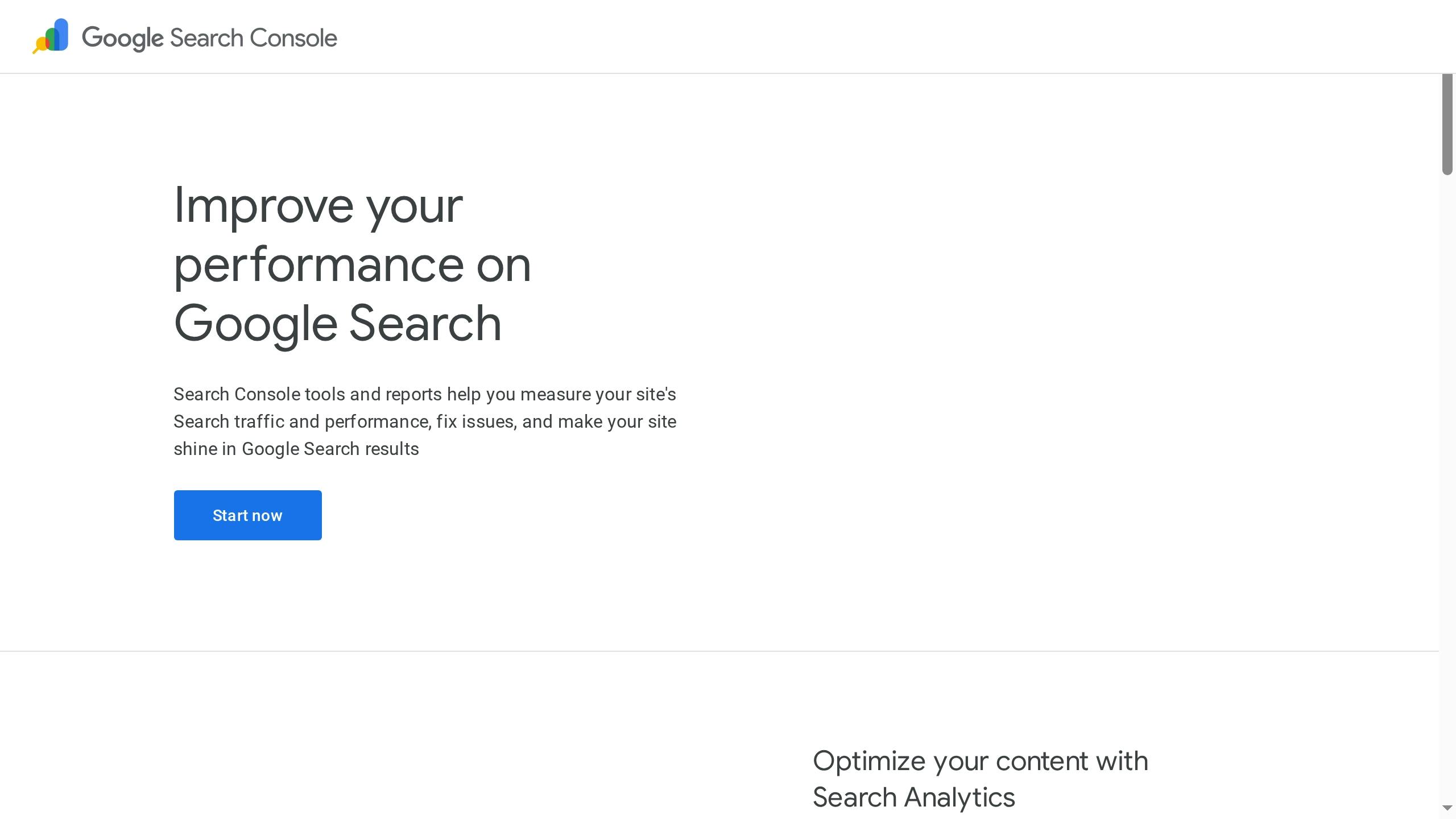
Here’s how to do it:
- Enter your core domain (e.g., yoursite.com), leaving out prefixes like https:// or www.
- Verify ownership. If you’re already using Google Analytics with the same Google account, this step is easy: go to Settings > Ownership Verification, select Google Analytics, and click Verify.
- If you don’t have Google Analytics set up, you’ll need to verify ownership through your domain provider. Google will provide a TXT record to add to your DNS settings. Use a low TTL (Time to Live) value to speed up the verification process.
Once verified, link Google Search Console to your Google Analytics account. This integration allows you to view search performance data alongside your broader site analytics, giving you a more comprehensive understanding of your website’s performance.
Step 2: Submit an XML Sitemap
An XML sitemap is essentially a roadmap of your website, listing all the URLs you want search engines to index. While Google can discover pages by following links, submitting a sitemap ensures that no page is overlooked – especially new content, pages buried deep within your site, or URLs with limited internal links.
Most website platforms and content management systems generate XML sitemaps automatically. Once your sitemap is ready, submit its URL (e.g., yoursite.com/sitemap.xml) in the Sitemaps section of Google Search Console. This helps Google crawl your site more efficiently by prioritizing the pages listed in your sitemap.
Keep your sitemap up to date as you add or remove pages. Many SEO plugins or website builders handle this automatically, but it’s worth checking periodically to ensure it reflects your current site structure. A well-maintained sitemap can help Google index new content faster, which means those pages could start ranking sooner.
Step 3: Configure Your Robots.txt File
“Utilize
robots.txtornoindexto manage content visibility.” – Google Search Central
Sitemap: https://yoursite.com/sitemap.xmlOn-Page Optimization
Step 4: Research Keywords
When evaluating keywords, focus on three key factors:
- Search volume: How often a term is searched monthly.
- Competition: How challenging it will be to rank for the term.
- User intent: What the searcher hopes to achieve, such as learning, finding a specific site, researching products, or making a purchase.
Step 5: Write Better Page Titles and Meta Descriptions
- Page Titles: Keep them between 50 and 60 characters to avoid truncation. Place your primary keyword near the beginning, but make sure the title reads naturally and accurately reflects the content. If space allows, include your business name at the end, separated by a pipe (|) or dash (–).
- Example: “Emergency Plumber in Seattle | 24/7 Service | ABC Plumbing.”
- Meta Descriptions: Aim for 150 to 160 characters. While they don’t directly impact rankings, a well-written description can significantly boost click-through rates. Use this space to expand on the title, include a call to action, and naturally incorporate secondary keywords.
- Example: “Licensed plumbers available 24/7 in Seattle. Fast response times, upfront pricing, and a 5-year warranty. Call now for same-day service.”
Step 6: Use Header Tags Correctly
- H1 Tag: This is your page’s main heading and should include your primary keyword. Each page should have only one H1, clearly communicating the topic. While it often mirrors your page title, it doesn’t need to match exactly.
- H2 Tags: These divide your content into major sections and can include variations of your primary keyword or related secondary keywords. For instance, on a page about water heater repair, H2 tags might be: “Common Water Heater Issues”, “Signs You Need Repairs,” and “Repair vs. Replacement.”
- H3 Tags: These further break down H2 sections into smaller subtopics. For example, under an H2 like “Common Water Heater Issues,” H3 tags could include: “No Hot Water”, “Strange Noises,” and “Water Leaks.”
Step 7: Create Content That Matches User Intent
Ranking well isn’t just about sprinkling keywords into your content — it’s about truly understanding what users are searching for and delivering exactly what they need. Modern AI-driven SEO tools help identify user intent patterns, analyze ranking content, and uncover the questions people are asking so you can create pages that directly address those needs. Search engines increasingly favor content that aligns with these intent signals.
Start by analyzing what already ranks for your target keywords. AI tools can quickly reveal whether top results are how-to guides, service pages, product comparisons, or local business listings. These insights show what users expect to find and guide you toward the right format.
Match Content Format to Intent:
Add Value:
Step 8: Create SEO-Friendly URLs
A clean, descriptive URL improves both search rankings and user experience. It should clearly indicate what the page is about, helping users and search engines know what to expect.
- Keep URLs Short and Clear: Aim for three to five words that describe the page’s content. For instance, instead of a generic URL like “yoursite.com/page1234“ or a long one like “yoursite.com/services/residential/emergency/plumbing/water-heater,” use something like “yoursite.com/water-heater-repair.”
- Include Keywords Naturally: Incorporate your primary keyword if it fits, but don’t overdo it. A straightforward, easy-to-read URL is better than one overloaded with keywords.
Website Performance and User Experience
Step 9: Make Your Site Mobile-Friendly
With mobile traffic dominating and Google’s mobile-first indexing in play, your site’s mobile performance is non-negotiable. This means Google primarily evaluates the mobile version of your site for rankings. If your site isn’t optimized for smartphones and tablets, you’re losing out on visibility and potential customers.
The go-to solution here is responsive design. This approach allows your site to adapt automatically to different screen sizes using flexible grids and CSS media queries. Instead of creating separate versions for desktop and mobile, responsive design ensures a consistent user experience across all devices.
To see if your site is mobile-ready, use Google’s Mobile-Friendly Test tool. Enter your URL, and it will flag issues like text that’s too small, buttons that are too close together, or content spilling off the screen.
Here are some common mobile usability issues and how to fix them:
- Ensure navigation menus collapse properly for smaller screens.
- Use font sizes that are easy to read (at least 16 pixels for body text).
- Make clickable elements at least 48 pixels wide for easy tapping.
- Avoid pop-ups that block content and frustrate users.
Don’t stop at online tools – test your site on actual devices like iPhones, Android phones, and tablets. Check load times, navigation, and whether all features, like contact forms and phone links, work seamlessly. A poor mobile experience can cost you leads and conversions.
Step 10: Improve Page Speed and Core Web Vitals
Page speed has long been a ranking factor, but Google now emphasizes Core Web Vitals, a set of three metrics that measure how users experience your site’s performance. These metrics focus on loading speed, interactivity, and visual stability.
- Largest Contentful Paint (LCP): This measures how long it takes for the main content on your page to load. Aim for an LCP of 2.5 seconds or less. If it’s slower, users might think your site is broken. Optimize images by compressing them, use a content delivery network (CDN) for faster file delivery, and remove unnecessary scripts that delay rendering.
- First Input Delay (FID): This tracks how quickly your site responds to user interactions like clicks or taps. A good FID is under 100 milliseconds. If your site feels sluggish, heavy JavaScript files are often to blame. Minimize, defer, and split up JavaScript tasks to improve responsiveness.
- Cumulative Layout Shift (CLS): This measures visual stability – whether elements jump around as the page loads. A good CLS score is under 0.1. Prevent layout shifts by defining explicit width and height attributes for images and videos, reserving space for ads, and using font-display settings to control how text appears during loading.
Use Google PageSpeed Insights to evaluate your Core Web Vitals. Enter your URL to get performance scores for both mobile and desktop, along with actionable recommendations. Address high-priority issues first.
Other ways to boost speed include enabling browser caching to reduce reloads for returning visitors, minifying CSS and JavaScript files to shrink their size, and upgrading to faster hosting. Even trimming a second or two off your load time can lower bounce rates and increase conversions.
Step 11: Optimize Images with Alt Text
Images can make your content more engaging, but if not optimized, they can also slow down your site. Beyond performance, images offer an SEO advantage through alt text – a short description that helps search engines understand the image and improves accessibility for visually impaired users.
Write alt text that’s specific and descriptive. For instance, instead of “plumber,” use “licensed plumber fixing a leaking kitchen faucet.” This not only helps search engines but also provides useful context for screen readers. If it fits naturally, include your target keyword, but avoid forcing it.
Here’s how to optimize your images:
- Compress images before uploading to reduce file size without sacrificing quality. Tools like TinyPNG or ImageOptim can shrink file sizes by 50–80%. Aim for under 100 KB for most photos and under 50 KB for smaller graphics.
- Use the right file format: JPEG for photos, PNG for transparent graphics, or WebP for better compression.
- Set explicit width and height attributes in your HTML to prevent layout shifts and improve your CLS score.
- Enable lazy loading so images below the fold load only when users scroll down. Most modern browsers support this with a simple attribute in your image tags.
Regularly audit your media library to resize images to match their display dimensions and delete unused files. Keeping your site lean ensures faster load times and a better user experience.
Boost Your Business with AI-Driven SEO
Building Authority and Local SEO
Step 12: Add Internal Links
Internal links connect different pages on your site, creating pathways that guide both users and search engines. These links help visitors discover related content, keep them on your site longer, and allow search engines to better understand your website’s structure. When done strategically, internal linking can distribute authority across your pages, increasing the ranking potential of key content.
Think of your website as a network: pages with more internal links signal greater importance to Google. If you have a top-performing blog post or service page, linking to it from related pages can further boost its visibility. Similarly, linking from authoritative pages to newer or underperforming content can help those pages gain traction.
Use clear, descriptive anchor text for your links. Instead of vague phrases like “click here” or “learn more”, opt for specific text like “our guide to keyword research” or “how to optimize page titles.” This not only provides context for users but also helps Google understand the connections between your pages.
Focus on linking to pages that genuinely add value. For example, if you’re discussing on-page SEO, link to related topics like meta descriptions or header tags. If you mention a service, link directly to its dedicated page.
Regularly audit your internal links to fix issues like broken links or orphaned pages (pages with no internal links pointing to them). Tools like Screaming Frog or Google Search Console can help identify these problems. Addressing them ensures every part of your site is accessible and contributes to your overall SEO.
Step 13: Link to Trusted External Sources
Linking to credible external websites can enhance your content’s trustworthiness. Outbound links show that your content is well-researched and backed by reliable sources, which signals quality to search engines.
As an example, Backlinko.com often links to trusted sources like Wikipedia and Google.com to show its content is well-referenced.
Stick to linking high-authority, relevant sites such as government websites, educational institutions, or respected industry publications. Avoid linking to low-quality sites, competitors, or sources you can’t trust. If you need to reference a site but don’t want to endorse it, use the rel="nofollow" attribute to prevent search engines from associating your site with the linked page.
Keep it balanced – two to three external links per 1,000 words is usually enough. The goal is to complement your content, not distract from it. Also, ensure external links open in a new tab so users can explore additional resources without completely leaving your site.
Step 14: Add Schema Markup
Schema markup, or structured data, is code added to your website that helps search engines understand your content more clearly. It provides context about what your pages are about – whether it’s a local business, a service, a product, or even an event. While schema markup doesn’t directly improve rankings, it can make your pages more appealing in search results by generating rich snippets.
Rich snippets display key details like ratings, hours, and pricing, which can improve click-through rates. For service businesses, local business schema is especially useful, as it highlights your address, phone number, and operating hours directly in search results.
Some common types of schema markup for service businesses include:
- LocalBusiness schema: Displays your location and contact details.
- Service schema: Describes the services you offer.
- Review schema: Highlights customer ratings and reviews.
- FAQ schema: Shows frequently asked questions directly in search results.
Adding schema markup is relatively straightforward. Google’s Structured Data Markup Helper can generate the code for you, or if you’re using WordPress, plugins like Yoast SEO or Rank Math can automate the process. After implementing schema, use Google’s Rich Results Test tool to confirm it’s working correctly and eligible for rich snippets.
For local SEO, schema markup pairs perfectly with your Google Business Profile. When both are optimized, you increase your chances of appearing in the local pack – the map-based results for location-specific searches. This visibility is crucial for service businesses, as it ensures your business is front and center when potential customers are searching for your offerings.
Step 15: Run Regular SEO Audits
A thorough SEO audit dives into every corner of your site’s search performance. Modern AI-driven SEO platforms make this process even more effective by identifying hidden issues, predicting content opportunities, and helping you prioritize fixes based on real impact.
Start with Google Search Console to check page indexing, uncover errors, and monitor traffic. The Performance report shows which queries bring visitors to your site, your average keyword rankings, and your click-through rates.
Pay attention to Core Web Vitals in Search Console to ensure your site delivers a smooth user experience.
Run Google Lighthouse every quarter to evaluate performance, accessibility, and SEO. Follow its recommendations to fine-tune your site.
For advanced keyword tracking and competitor analysis, tools like SEMrush, Ahrefs, or Moz are invaluable. These platforms provide daily keyword rankings, competitor comparisons, and opportunities to target new keywords. They also crawl your site for technical issues like duplicate content, missing meta descriptions, or broken links.
Resolve crawl errors and 404 pages to enhance user experience and optimize your crawl budget. Use Search Console or tools like Screaming Frog to spot broken links, then fix them or set up 301 redirects to relevant pages.
Keep an eye on your site speed. Tools like PageSpeed Insights can help you identify and fix issues like oversized images, heavy scripts, or slow server response times. Even small speed improvements can boost rankings and reduce bounce rates.
Monitor your backlink profile to ensure you’re building high-quality links while avoiding spammy ones. Tools like Ahrefs and SEMrush can show you who’s linking to your site and the quality of those links. If you find low-quality or suspicious backlinks, use Google’s Disavow Tool to keep them from affecting your rankings.
Use Google Analytics 4 to track your organic traffic trends. Don’t just look at total visitors – dig deeper. Which pages are driving the most traffic? How long are users staying? Are there pages with high bounce rates? Pages with lots of traffic but low engagement might need clearer calls to action or better content. Pages with declining traffic may benefit from updated keywords or fresh content.
Create an audit checklist to stay organized. Include items like indexing errors, keyword rankings, page speed, broken links, content updates, and schema markup verification. Document your findings and track your progress over time to see what’s working.
Don’t forget content audits. Every six months, review your existing pages to spot content that’s outdated, underperforming, or irrelevant. Update stats, refresh examples, add new information, and improve readability. Google rewards fresh, updated content, so giving older pages a facelift can boost their rankings without starting from scratch.
Set up automated alerts in Google Search Console to catch critical issues like sudden drops in indexed pages, security problems, or manual penalties. Addressing these problems early can save you from lasting damage.
Lastly, measure your performance against your goals. Are you ranking higher for your target keywords? Is your organic traffic growing? Are visitors converting into customers? SEO takes time – usually three to six months to see major changes – but regular audits keep your strategy on track and allow you to make data-driven adjustments. This ongoing process ensures your approach stays flexible and aligned with ever-changing search engine algorithms.
Conclusion
When you look at the checklist as a whole, it’s clear how each piece works together. A solid technical setup ensures search engines can crawl and understand your site. AI-enhanced on-page optimization clarifies what each page is about and highlights missing elements. Performance improvements keep visitors engaged and reduce bounce rates. Authority-building strategies strengthen trustworthiness. And regular audits — now made faster and more accurate with AI insights — keep your site aligned with algorithm updates and shifting competition.
SEO is a long game. You won’t see massive changes overnight. For most websites, it takes three to six months to see meaningful improvements in rankings and traffic. The businesses that thrive are the ones that treat SEO as an ongoing, evolving process rather than a one-time project.
Start by establishing a strong technical foundation. From there, optimize your content, structure, and site performance. Create pages that directly address the questions and needs of your audience. Strengthen internal links, implement schema markup, localize content where relevant, and keep everything fresh and accurate.
The final step is arguably the most critical: consistent auditing and fine-tuning. A monthly review schedule — supported by AI-driven monitoring and diagnostics — can make all the difference. Regularly check your rankings, analyze traffic behavior, resolve technical issues quickly, and refresh outdated content. This ongoing commitment is what separates successful websites from the rest.
FAQs
How often should I conduct SEO audits to keep my website ranking well on Google?
What are some common mistakes to avoid when setting up the robots.txt file for SEO?
- Blocking important pages: Accidentally disallowing your homepage or key landing pages can prevent them from appearing in search results. Always double-check your rules. AI tools can flag risky directives before they cause damage.
- Incorrect use of wildcards: Misusing symbols or syntax can unintentionally block entire directories. AI validation tools can test your patterns to ensure they’re precise.
- Skipping the testing step: Always test your robots.txt with Google’s Robots Testing Tool. AI audit tools also simulate how crawlers interpret the file, ensuring nothing essential is accidentally blocked.